

Turn Engineering Data into Better After-Sales Support
For manufacturers of industrial machinery, agricultural and construction equipment, and specialized machines.
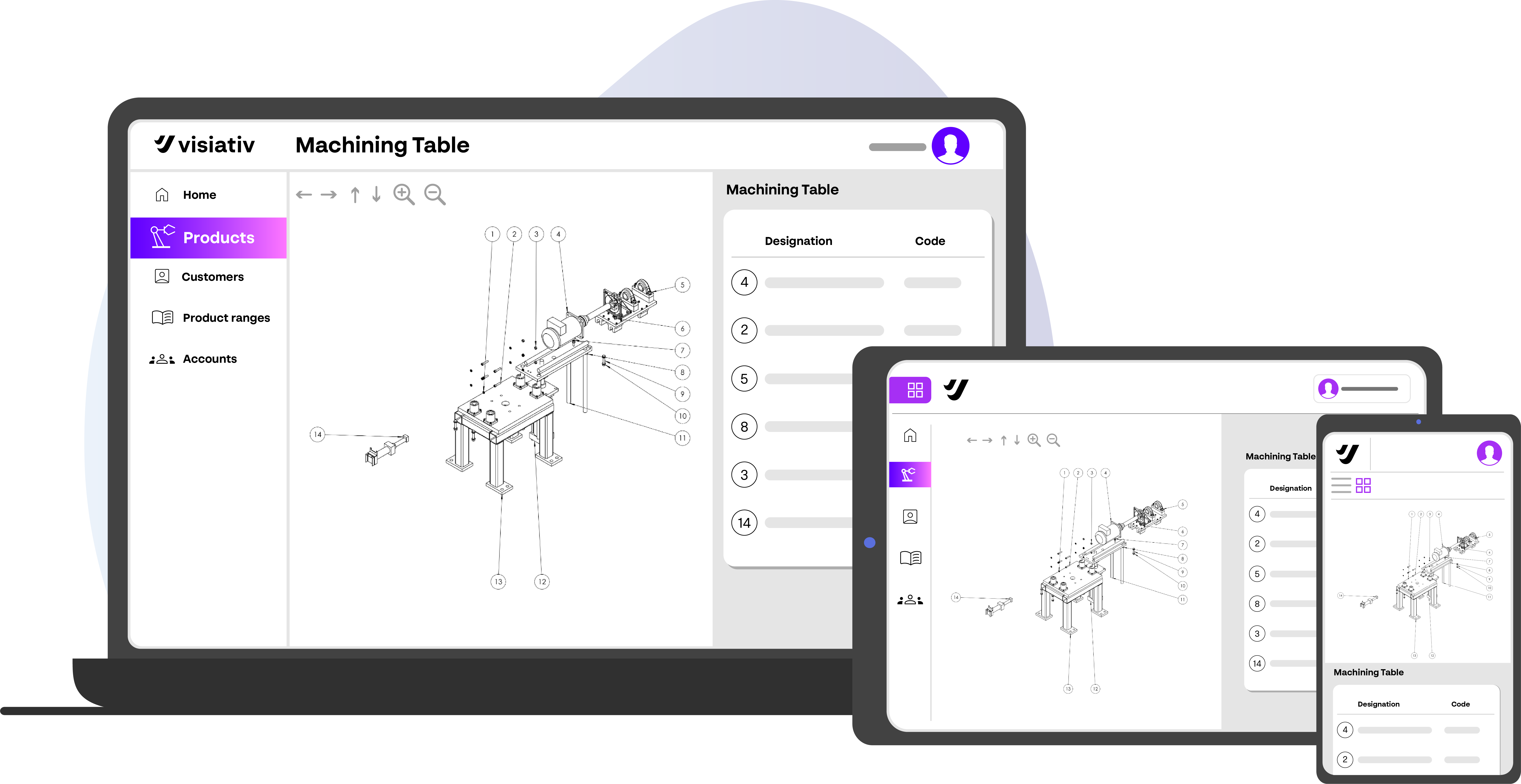
Creating parts documentation manually takes time. Finding and sharing the right information adds work for your service team. Visiativ Spare Parts connects your SOLIDWORKS designs to digital catalogs, helping customers and partners identify components and access relevant documentation.
Contact Us
From SOLIDWORKS Assembly to Customer-Ready Catalog
1. Create
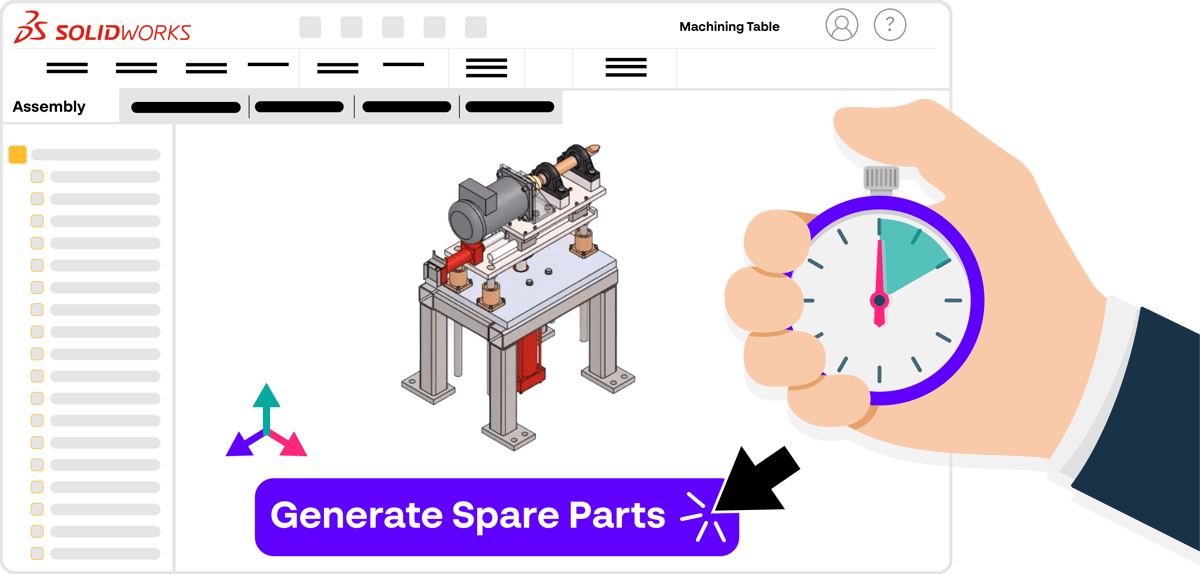
Generate exploded views, parts lists, and component thumbnails from your assembly data.
2. Publish
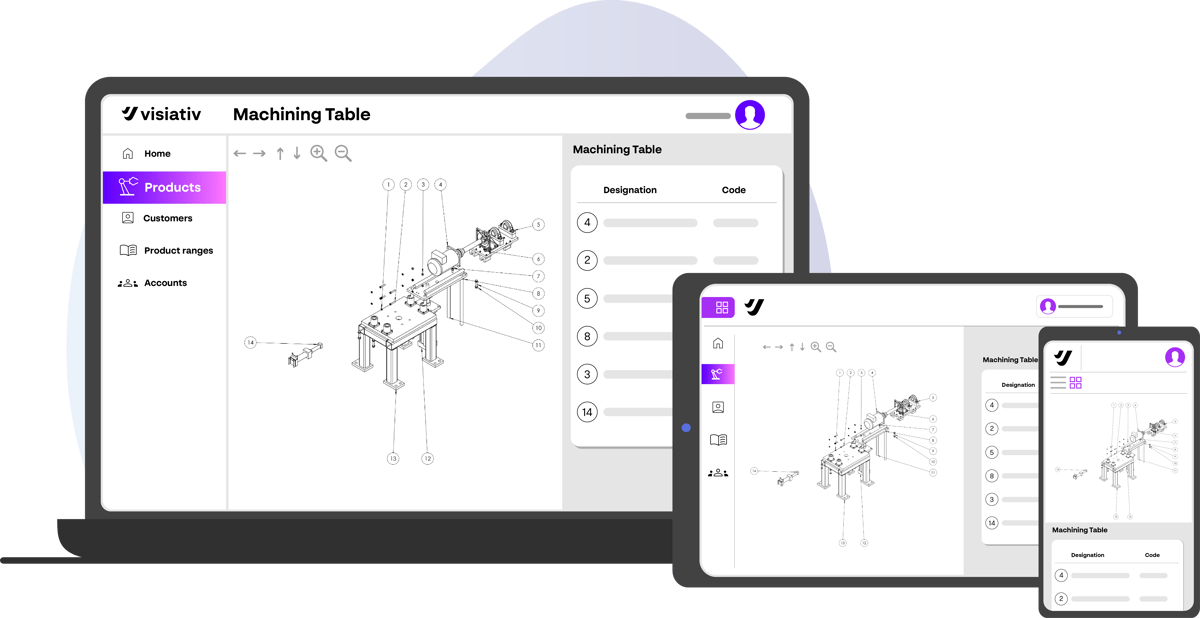
Make equipment-specific catalogs and technical documentation available through the cloud.
3. Use
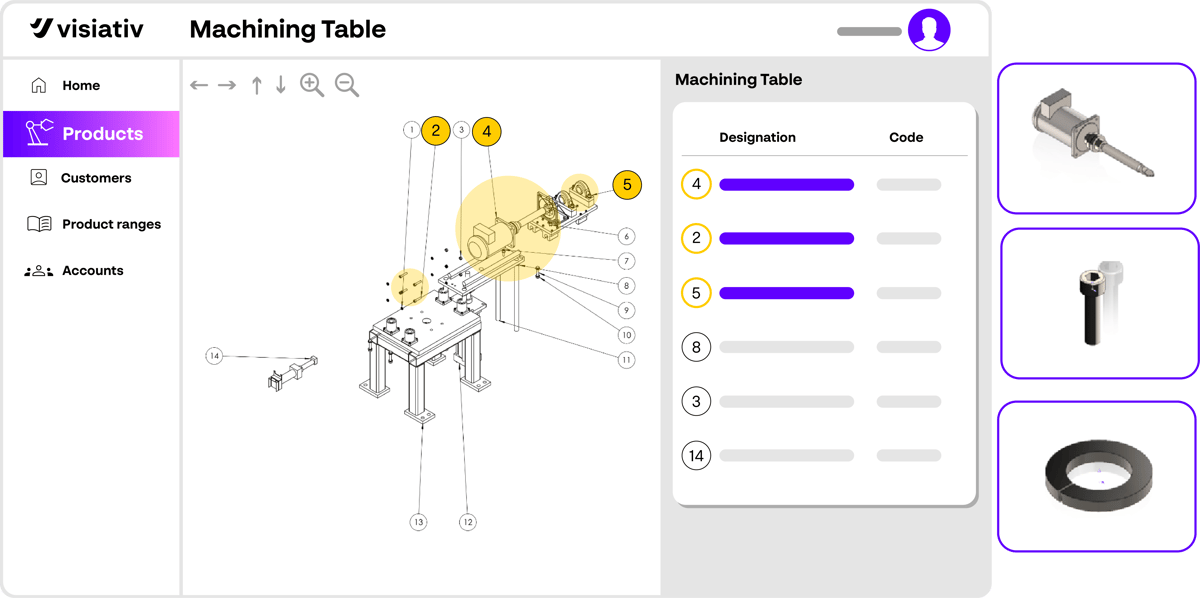
Help customers and service partners identify components and find supporting documentation.
Select an image to enlarge.
Three Ways to Improve After-Sales Support

Less Documentation Work
Reuse CAD data to prepare and maintain spare parts catalogs.

More Independent Customers
Help users identify components and find supporting equipment information.

Clearer Service Communication
Give customers, distributors, and technicians access to relevant machine documentation.
.jpg)
.jpg)
.webp)