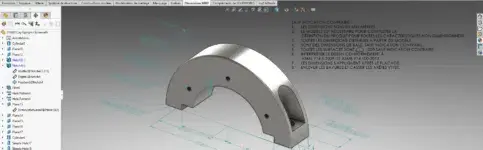
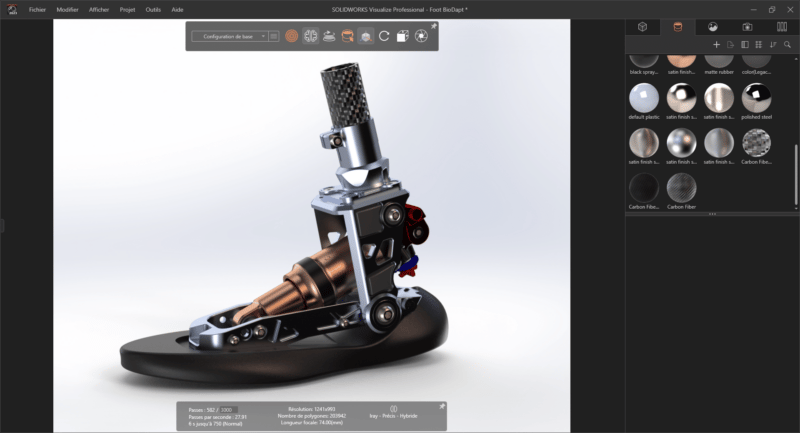
SOLIDWORKS Visualize is a solution from the SOLIDWORKS range that allows you to produce high-performance visuals from SOLIDWORKS. It acts like a camera in your CAD software and creates photographic-quality visuals. With SOLIDWORKS Visualize, you bring all your products and designs to life with high-resolution images. To dress your 3D model, you can use the materials library, which is itself customizable. Also, you benefit from a wide choice of environments present in the library and applicable by a simple drag and drop.

SOLIDWORKS VIsualize is directly connected to the SOLIDWORKS environment: designers and engineers, take charge of this extension and offer ultra-realistic renderings!

Why choose SOLIDWORKS Visualize?

SOLIDWORKS VIsualize is a collaborative tool that makes your product visuals more realistic and impactful. With this license, you benefit from high-quality images and videos without having to create many physical prototypes. Also, you can:

    • Visualize how your products will look in the real world, in just seconds and without producing a physical prototype
    • Improve internal design, engineering, and sales reviews
    • Make smarter decisions early in the development process to save time and money
    • Take advantage of immersive virtual reality content to facilitate internal project reviews or create an unforgettable customer experience
    • Create concepts based on exceptional quality content more quickly to differentiate yourself from your competitors and close more sales
    • Obtain higher quality final products
    • Leverage integrated productivity tools to create content faster and more efficiently.
    • Deliver photo-quality images and content to marketing teams much faster so they can prepare well-designed communications before the first prototype is produced.

All without CAD knowledge required!

Features

Create photo-quality images with unlimited resolution

SOLIDWORKS Visualize provides you with advanced multi-layer materials and a True Light Simulation tool with HDR support for greater realism without the need for laborious manual lighting techniques.
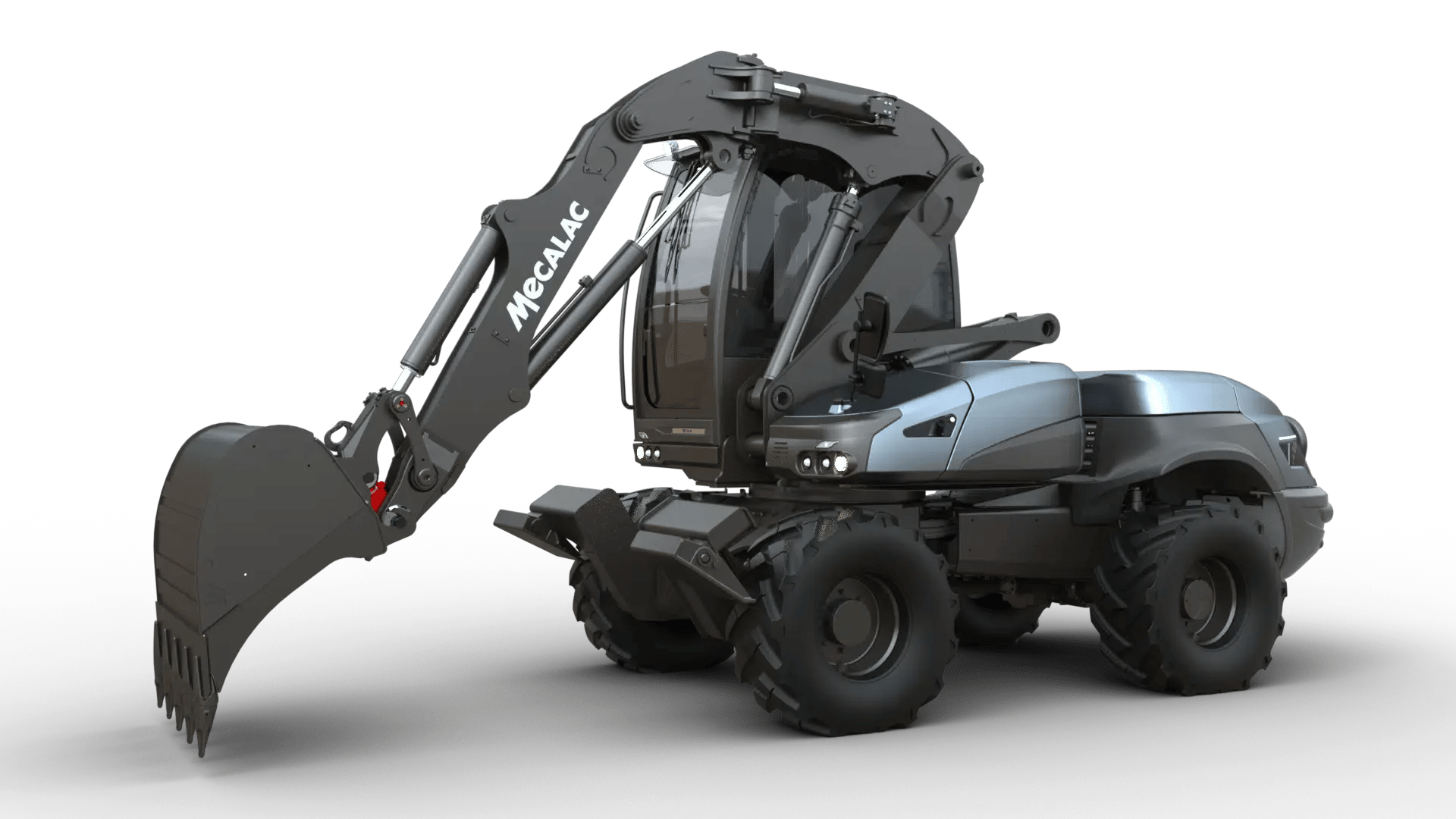
Create photo-quality images with unlimited resolution

Use textures and materials in renderings

The software supports real-world measured materials using NVIDIA MDL and PBR technologies, decals with real-time positioning, and professional texture mapping (bump, normal, specular, alpha, and color).
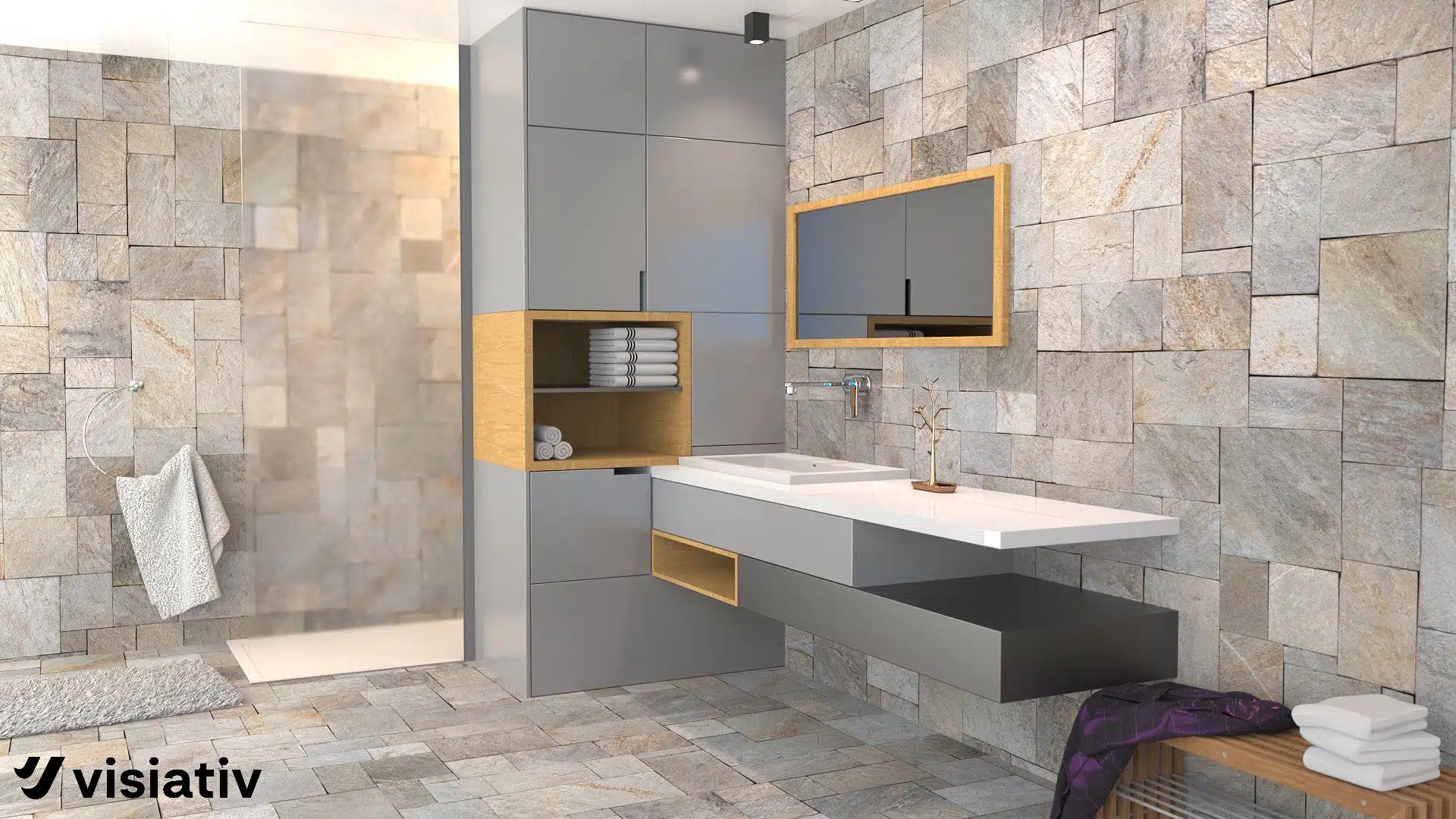
Use textures and materials in renderings

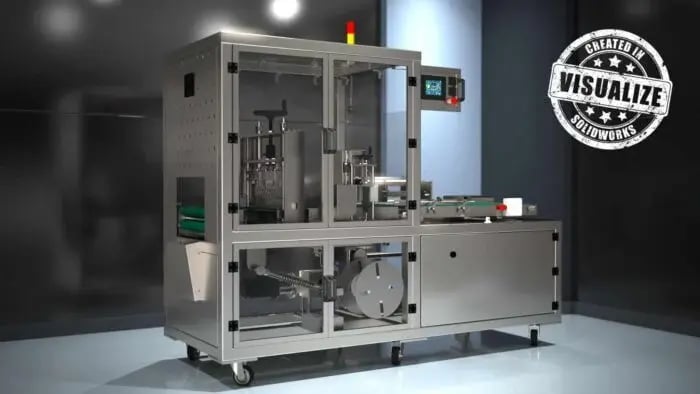
Produce cross-section views of your projects

Highlight the internal complexity of your projects with cross-section views of your 3D designs. You can also change the opacity of parts and models for an ever more realistic rendering.

Produce cross-section views of your projects

Join the SOLIDWORKS Online Community

Connect with the SOLIDWORKS Online Community, with access to over 1000 free resources such as textures and maps.
Join the SOLIDWORKS Online Community

Recover Data Automatically

Never lose your data again with this SOLIDWORKS Visualize feature: you benefit from automatic data recovery, thus avoiding work loss.
Recover Data Automatically

Matrix of different versions of SOLIDWORKS Visualize


SOLIDWORKS Simulation

SOLIDWORKS Simulation

Realistic, photo-quality images

star_icon

star_icon

Trendy palette with different colours and finishes

star_icon

star_icon

Images haute résolution prêtes pour l’impression et le Web

star_icon

star_icon

Technical illustrations of the main features

star_icon

star_icon

More effective product presentation (full animation of parts, models, appearances, cameras and environments)


star_icon

Import SOLIDWORKS Motion Studies for True Photo Animations


star_icon

Rotation 360° de la conception finale en un seul clic


star_icon

Creation of interactive web content


star_icon

Presentation and comparison of different design solutions side by side in multiple viewports and in the integrated configurator


star_icon

Customizable camera filters


star_icon

Built-in render queue


star_icon

SOLIDWORKS Visualize Boost (Network Rendering)


star_icon

CONTACT US

These resources may interest you